
Sold out
Back to products
Dual USB 5V 1A 2.1A Mobile Power Bank Module + LED
Original price was: 120.00 EGP.85.00 EGPCurrent price is: 85.00 EGP.
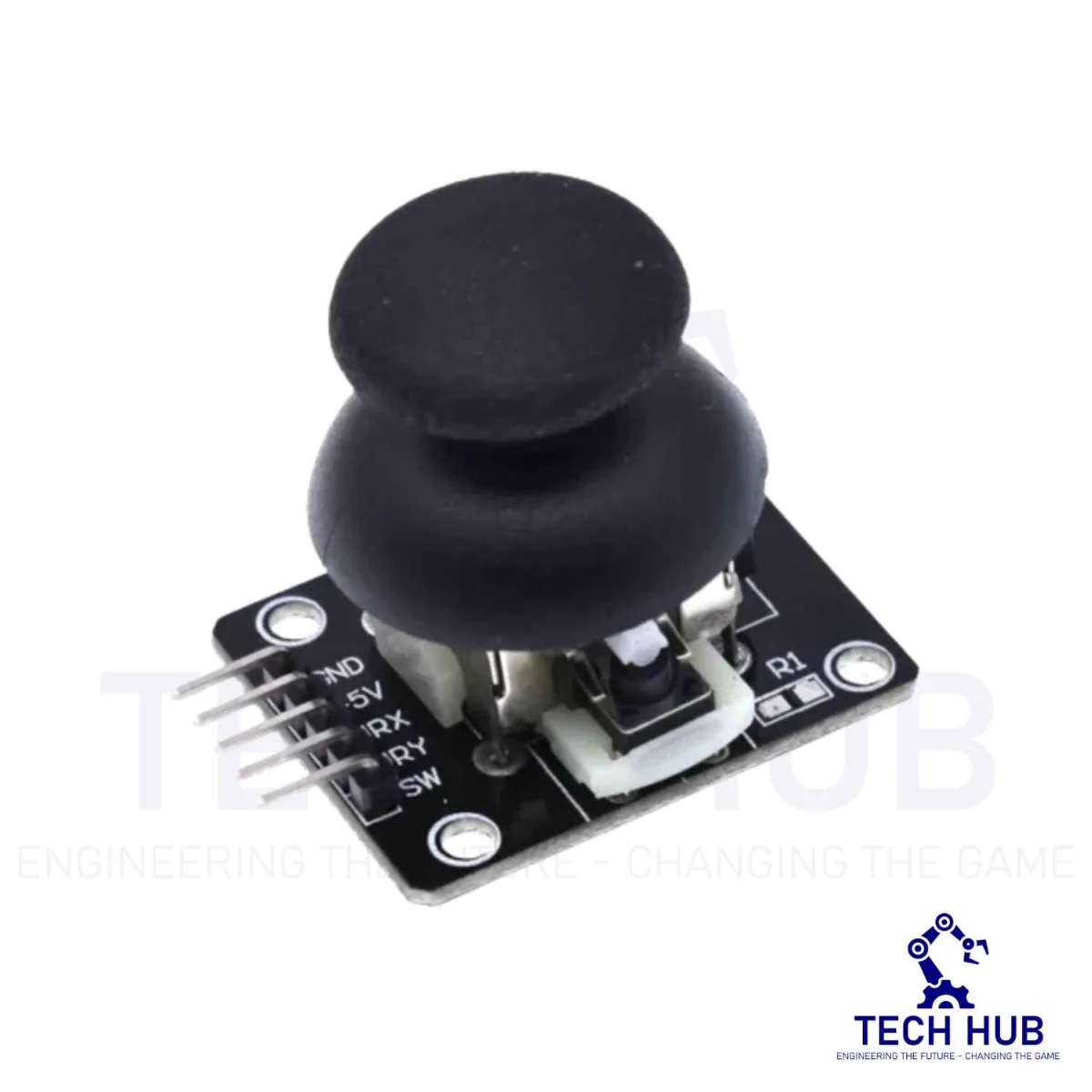
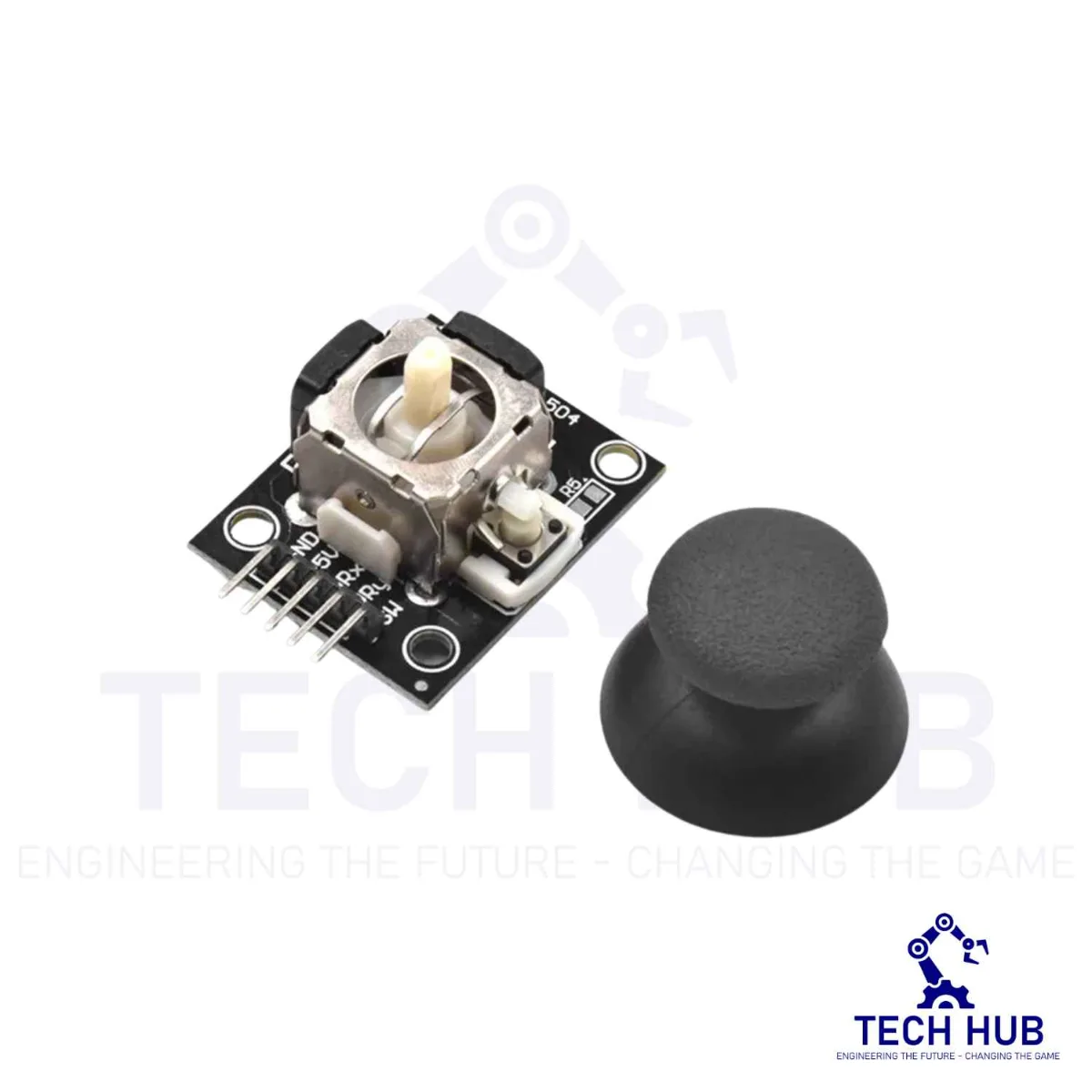
Dual Axis PS2 Joystick Module For Arduino
50.00 EGP
- Operating Voltage: 5V
- Internal Potentiometer value: 10k
- 2.54mm pin interface leads
- Dimensions: 1.57 in x 1.02 in x 1.26 in (4.0 cm x 2.6 cm x 3.2 cm)
- Operating temperature: 0 to 70°C
| Weight | 0.01 kg |
|---|---|
| Dimensions | 4 × 2.6 × 3.2 cm |
Out of stock
Description
Dual Axis PS2 Joystick Module For Arduino
- Two independent Potentiometer: one for each axis ( X and Y)
- Auto return to center position
- Low weight
- Cup-type Knob
- Compatible to interface with Arduino or with most microcontrollers
Specifications
- Operating Voltage: 5V
- Internal Potentiometer value: 10k
- 2.54mm pin interface leads
- Dimensions: 1.57 in x 1.02 in x 1.26 in (4.0 cm x 2.6 cm x 3.2 cm)
- Operating temperature: 0 to 70°C
Pin Configuration
| Pin No. | Pin Name | Description |
| 1 | Gnd | Ground terminal of Module |
| 2 | +5v | Positive supply terminal of Module |
| 3 | VRx | Voltage Proportional to X axis |
| 4 | VRy | Voltage Proportional to Y axis |
| 5 | SW | Switch |
Internal Structure
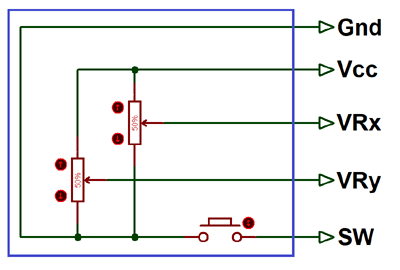
The below image is the internal diagram of a Joystick Module. It consists of two?Potentiometer, each for one axis (X and Y). Both 10k potentiometer are independent to move in their particular direction. SW (Switch) pin is connected to a push button internally.
Where Joysticks Are Used?
When we listen the word “Joystick” we think of Game controllers. If we talk about Electronics there are many useful application of Joystick. These type of module are mostly used in?Arduino based DIY projects and Robot Control. As we know, the module gives analog output so it can be used for feeding the analog input based on direction or movement. It can also be connected to a movable camera to control its movement.
How to Use Joystick?
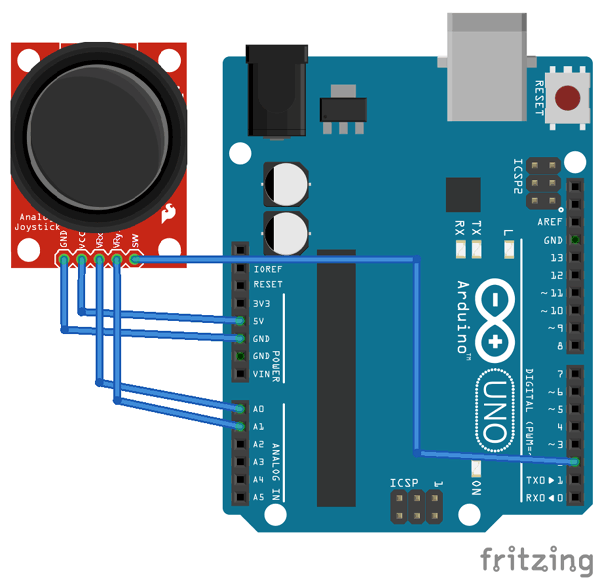
We can use a Joystick Module with Arduino, Raspberry Pi and any other Micro-controllers. We just have to connect the axis Pins VRx and VRy to the ADC Pins of the micro-controller. If you want to use the switch then connect it to the digital Pin of the Micro-controller. Follow the below block diagram to connect Joystick Module with Microcontroller.
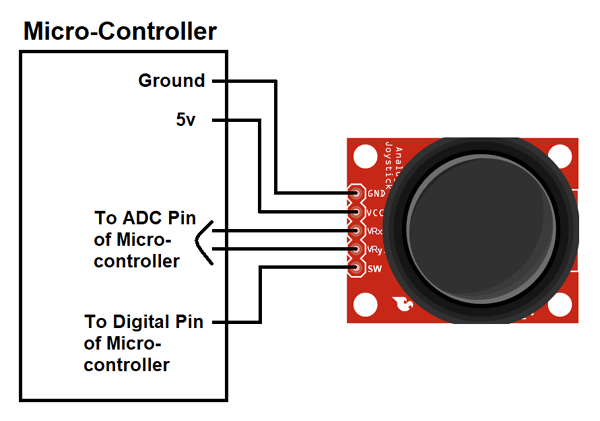
As used in many projects, the interfacing diagram of?Joystick Module with the Arduino is given below. It helps you to connect the joystick Module with Arduino and get the analog output based on the direction of movement of Joystick Knob.
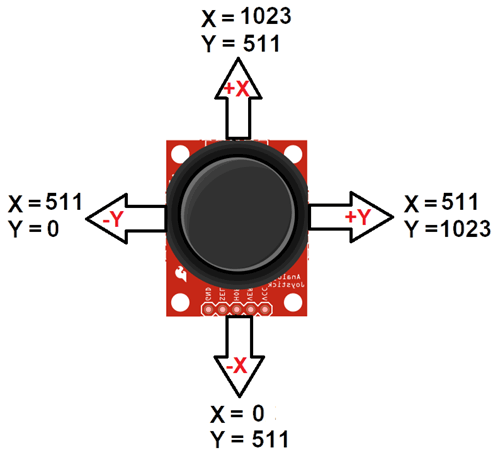
After Interfacing Joystick Module with the Arduino, we will get the analog output. The output range is fixed for each direction. The below image shows, the value of analog output for X and Y axis based on the movement of Joystick Module in all four directions (+X, -X, +Y, -Y). You will also get some analog value when moving the knob diagonally.
Application
- Camera Pan/Tilt Control
- Game Input/Control
- Robot Control
- Analog Input of Parameters
- Widely use in DIY projects
2D-model
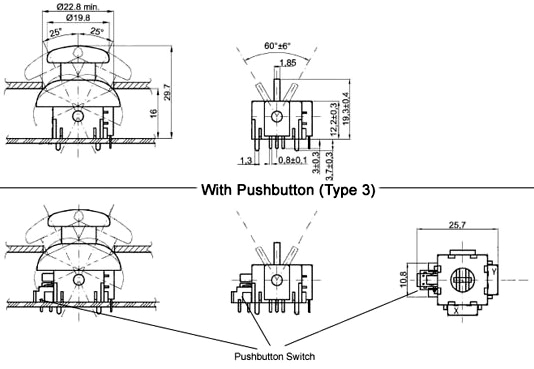
Datasheet:
Reviews (0)
Related products
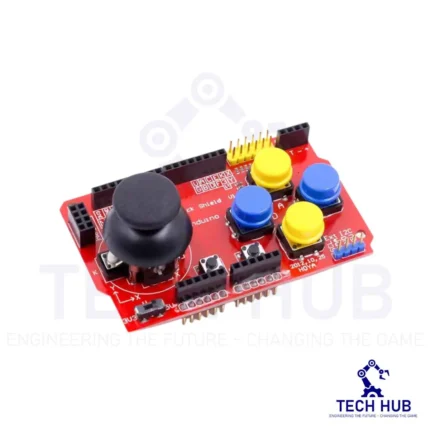
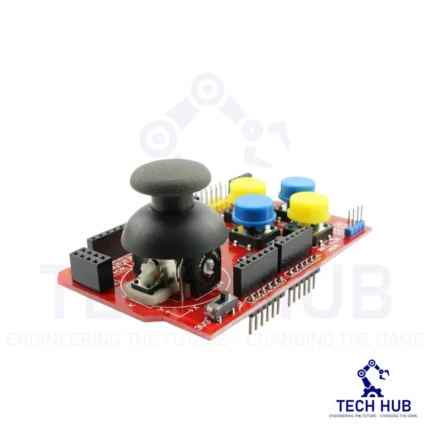
Arduino Joystick Shield
- Compatibility: Designed for use with Arduino boards.
- Joystick: Features a two-axis joystick for precise control in both X and Y directions.
- Buttons: Equipped with multiple push buttons for additional input options.
- Shield Form Factor: Designed to be easily mounted onto Arduino boards, providing a convenient and compact form factor.
-18%
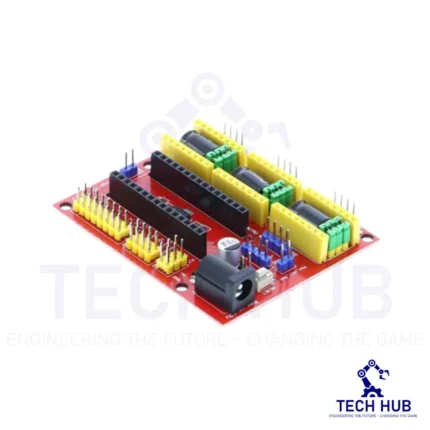
Arduino Shield – Nano CNC Machine V4 Board
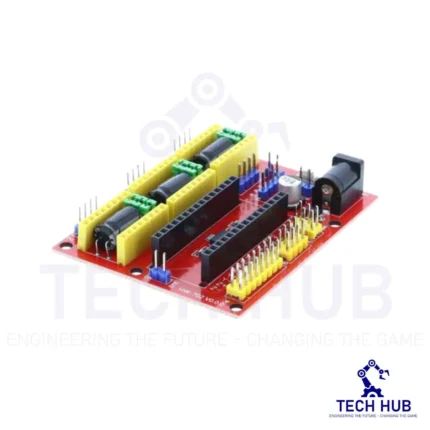
This board is widely used for driver expansion board of engraving machines. There are a total 3 3-way slots for stepper motor driver modules (Model A4988 or Drv8825 - It sold separately at our store), and it can drive 3-way stepper motors each up to 2A. Each way stepper motor has two I/O ports and it means 6 I/O ports can manage 3 stepper motors. It is very convenient to operate.
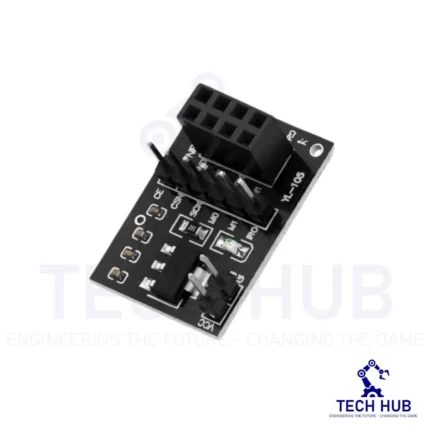
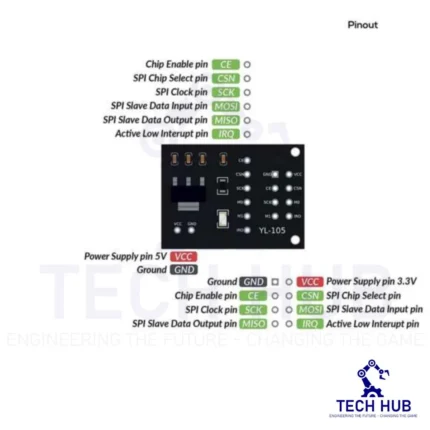
NRF24L01 Wireless Module Adapter Board
This 5V-3.3V VCC Adapter Board for NRF24L01 Wireless Module enables you to use NRF24L01-type transceivers on 5V systems like Arduino.
It regulates the 5V input to 1.9~3.6V DC and incorporates bypass capacitors for reliable operation. The NRF24L01 utilizes the Enhanced ShockBurst (ESB) protocol to support two-way data packet communication with packet buffering, packet acknowledgment, and automatic retransmission of lost packets.
Reviews
There are no reviews yet.